
02 Ekim 2026
How to Create a Professional Invoice in Excel: A Step-by-Step Guide
Learn how to create a professional invoice in Excel, avoid common bookkeeping mistakes, and discover the right time to transition to automated accounting software.
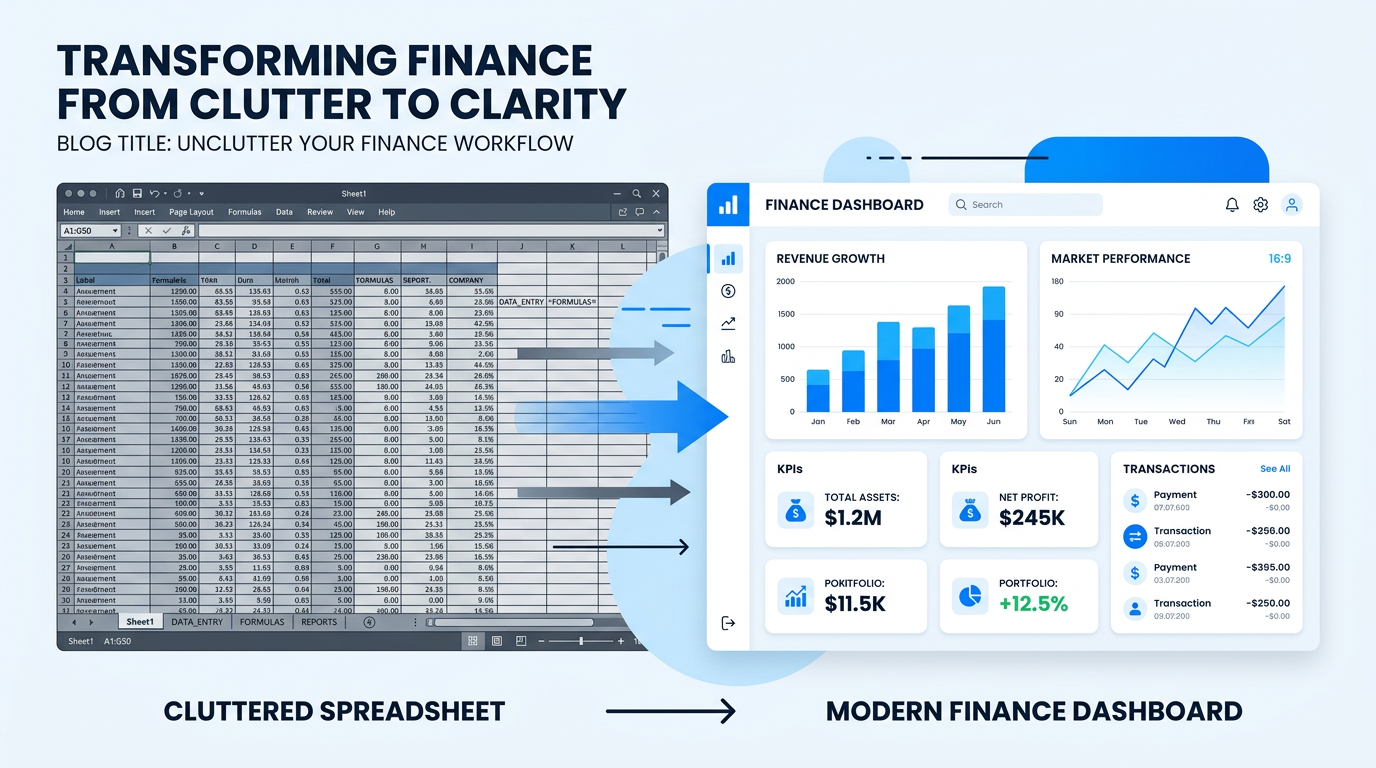
# How to Create a Professional Invoice in Excel: A Step-by-Step Guide for Small Businesses
Managing cash flow is the heartbeat of any small business. If you are just starting out, you likely rely on the tools you already know—like Microsoft Excel. It’s flexible, familiar, and accessible. However, as your business grows, manual invoicing can become a bottleneck.
In this guide, we’ll walk you through creating a professional, automated invoice in Excel, provide a free template, and discuss when it's time to move from manual spreadsheets to automated accounting software like **Alacak Pusulası**.
## Why Invoicing Matters for Your Cash Flow
An invoice is more than just a request for payment; it’s a legal document and a critical part of your bookkeeping. A clear, professional invoice ensures you get paid on time, tracks your sales tax accurately, and keeps your tax deductions organized for year-end reporting.
## Creating Your Excel Invoice: A Simple Formula Approach
If you aren't ready for a full-scale accounting platform, Excel is a great starting point. Here are the basic elements every professional invoice needs:
* **Header:** Your business details (Logo, Name, Address).
* **Client Details:** Who are you billing?
* **Line Items:** Description, Quantity, Unit Price, and Total.
* **Tax Calculation:** A simple formula to handle sales tax: `=Subtotal * TaxRate`.
* **Total Due:** `=Subtotal + TaxAmount`.
[Download Our Free Excel Invoice Template Here]
## Common Excel Mistakes to Avoid
While Excel is powerful, it lacks "intelligence." Many business owners struggle with:
1. **Broken Formulas:** One accidental keystroke can ruin your tax calculations.
2. **Version Control:** Sending "Invoice_Final_V2_Fixed.xlsx" creates confusion.
3. **Data Silos:** Your invoices aren't talking to your bank statements or accounts receivable reports.
## When Is It Time to Switch to SaaS?
Excel is a manual tool. If you spend more than 2 hours a week updating your spreadsheets, you are losing money on administrative overhead.
Automated platforms like **Alacak Pusulası** take over the heavy lifting:
* **Real-time Tracking:** See exactly who owes you money.
* **Automated Reminders:** Stop chasing payments; let the system do it.
* **Seamless Reporting:** Tax deductions and bookkeeping become one-click tasks.
## Conclusion: Scale Your Business, Don’t Just Manage It
Excel is a fantastic tool for getting started. But remember, the goal of every small business owner is to scale, not to become a full-time spreadsheet manager. Start with our free invoice template, but keep an eye on your growth. When the time comes to streamline your accounts receivable, we'll be here to help you make the switch effortlessly.
Ready to automate? [Start your 14-day free trial with Alacak Pusulası today!]
Bu yazı için ücretsiz araç
Banka Ekstresini Excel'e Çevir
PDF ekstreyi saniyeler içinde Excel/CSV'ye dönüştürün.
Hemen hesapla →
İlgili araçlar
Tahsilat Oranı ve Gecikme Hesaplama
Fatura ve tahsilat tutarınızdan tahsilat oranını, açık bakiyeyi ve gecikme günlerini hesaplayın.
Ödeme Hatırlatma Mesajı Oluşturucu
WhatsApp ve e-posta için hazır ödeme hatırlatma metni.
Mutfak Dolabı Hesaplama & Kesim Listesi
Ölçüyü girin; levha, PVC bant, menteşe, kesim listesi ve montaj şeması çıksın.
Ortalama Vade (AWO) Hesaplama
Faturalarınızın ve tahsilatlarınızın ağırlıklı ortalama vadesini saniyeler içinde hesaplayın.
İlgili yazılar
Yorumlar (0)
Henüz yorum yok. İlk yorumu siz yapın.